Vahan Pending Status: Real Reasons and Quick Fixes
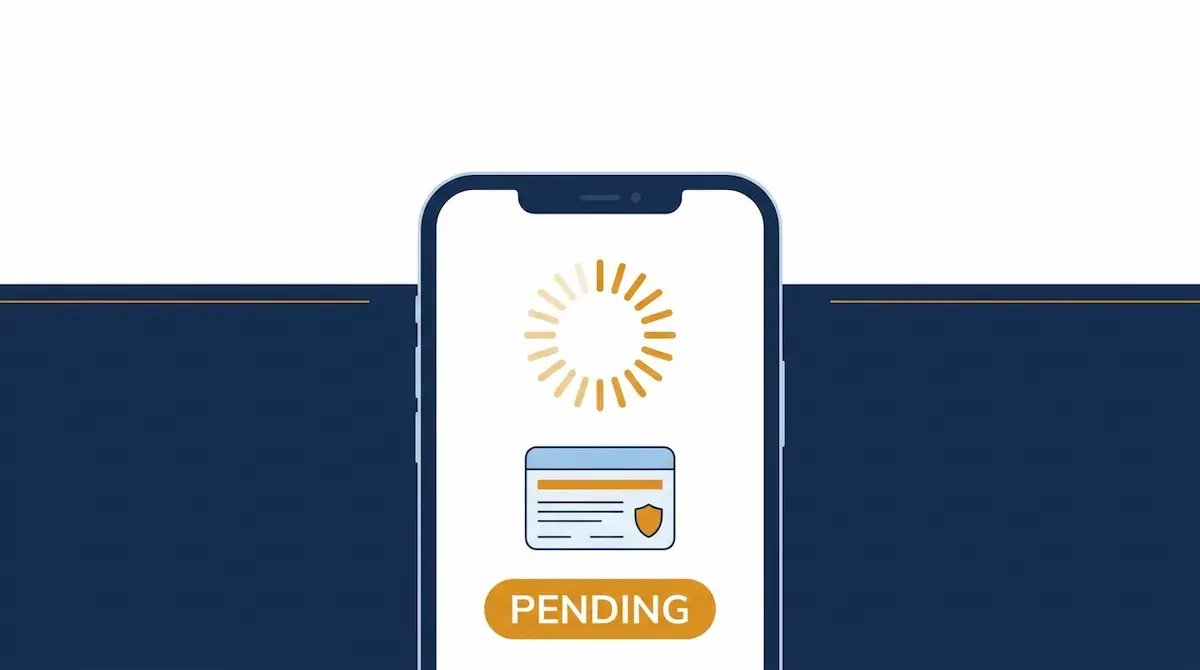
A “Pending” status on the Vahan portal means your application has entered the VAHAN 4.0 system but your RTO has not finished verifying and approving it yet. It is a processing stage, not a rejection. A file that stays pending for weeks, though, usually has a specific cause you can fix.
What “Pending” Means on Vahan
When you apply for a service like RC transfer, RC renewal, a duplicate RC, or new vehicle registration, the request joins your Regional Transport Office’s (RTO) workflow queue. “Pending” — sometimes shown as “Pending at RTO” or “Under Process” — tells you an officer has received the file but has not completed document verification or final approval. The record sits in the central database maintained by the National Informatics Centre (NIC) under MoRTH until the RTO acts on it.
How Long “Pending” Is Normal
Timing is the quickest way to judge whether to wait or act:
- 0–3 working days: Normal. The file is simply in the queue.
- Around 10 working days: Something is likely slowing it. Check your application details.
- 20–30 days: Usually stuck. A document, a mismatch, or a flag on the vehicle needs attention.
The portal generally reflects a new action within a day or two, so check again 24–48 hours after any update before assuming the file is stuck.
Why Your Vahan Application Is Stuck
Document or photo upload errors
This is the most common cause, especially for dealer-submitted registrations. An unclear scan, the wrong file type, a missing signature, or an outdated form version can hold the file. Open your application and confirm every upload is legible and correct.
Name or address mismatch
Approval can stall when your details do not match across records — Aadhaar, PAN, insurance, and the sale invoice. Even a middle name in one document and not another, or a different date format, is enough to trigger an eKYC mismatch. Compare them character by character and correct whichever record is wrong.
Fee paid but status not updated
Sometimes payment succeeds but the RTO system does not sync it right away, due to a gateway delay or server lag. Before paying again, verify it: on vahan.parivahan.gov.in, open Status → Check Pending Transaction, enter your Registration Number, last 5 digits of the chassis number, or Transaction Number, and click Show Details. Clicking the Transaction Number clears a stuck pending transaction. If money was deducted but no transaction appears, email helpdesk-vahan@gov.in with your transaction ID — do not make a second payment.
A flag on the vehicle
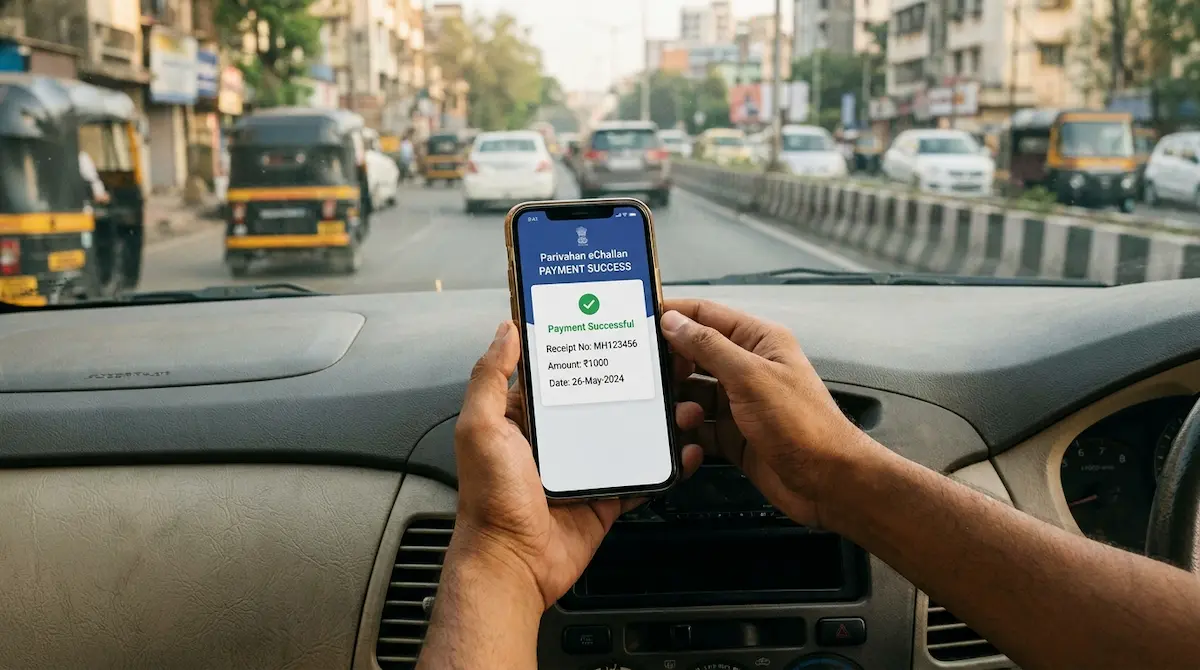
An unpaid challan, an active hypothecation, or an incomplete ownership transfer can block RC services until it is cleared. If a pending challan is the cause, settle it first — see our guide on how to pay an eChallan online without going to court — and the RTO can then move your file forward.
RTO backlog
During month-end and other high-volume periods, processing slows down on its own. If your documents are clean and nothing is flagged, this type of delay clears without any action from you.
How to Fix a Pending Vahan Status Fast
- Check the exact status at vahan.parivahan.gov.in → Status → Know Your Application Status, using your application number.
- Read the message precisely. “Scrutiny” or “Under Process” means wait; “Held at RTO” or “Rejected” means action is needed.
- Fix the obvious causes first — re-upload clear documents and correct any name or date mismatch.
- Confirm your payment using Check Pending Transaction.
- Make sure your registered mobile number is current, since OTP and status alerts are sent there.
When and How to Escalate
If the status has not moved in 10–15 working days and nothing on your end is wrong, contact your RTO directly with your application number. For technical and vehicle-service issues, email helpdesk-vahan@gov.in or call the VAHAN helpline at 1800-180-0151 on working days. Keep your application number, vehicle registration number, and a screenshot of any error ready — a specific query is resolved far faster than a vague one.
Frequently Asked Questions
Does “Pending” mean my application was rejected?
No. Pending means it is still being processed by the RTO. A rejection shows a separate “Rejected” status along with the reason.
Can I drive while my RC application is pending?
If your RC has been approved but not yet delivered, the Virtual RC in the mParivahan app is legally valid and accepted by traffic police. A brand-new registration still awaiting approval is different — confirm your status before driving.
How long does a pending RC take to clear?
With clean documents, most files move within 7–15 working days. Mismatches, flags, or backlogs extend this. Anything past 20–30 days warrants a direct RTO follow-up.