Pay eChallan Online in 2026 Without Going to Court
Traffic challans used to mean one thing: take a day off, find the right police station or court, stand in a queue, and hope you brought the right documents. That system is largely gone now.
The Ministry of Road Transport and Highways (MoRTH) runs a centralized digital enforcement platform — echallan.parivahan.gov.in — where you can check, verify, and pay any pending traffic fine from your phone in under five minutes. No court visit. No agent. No paperwork.
Here is exactly how it works in 2026.
What Is an eChallan and How Does It Reach You
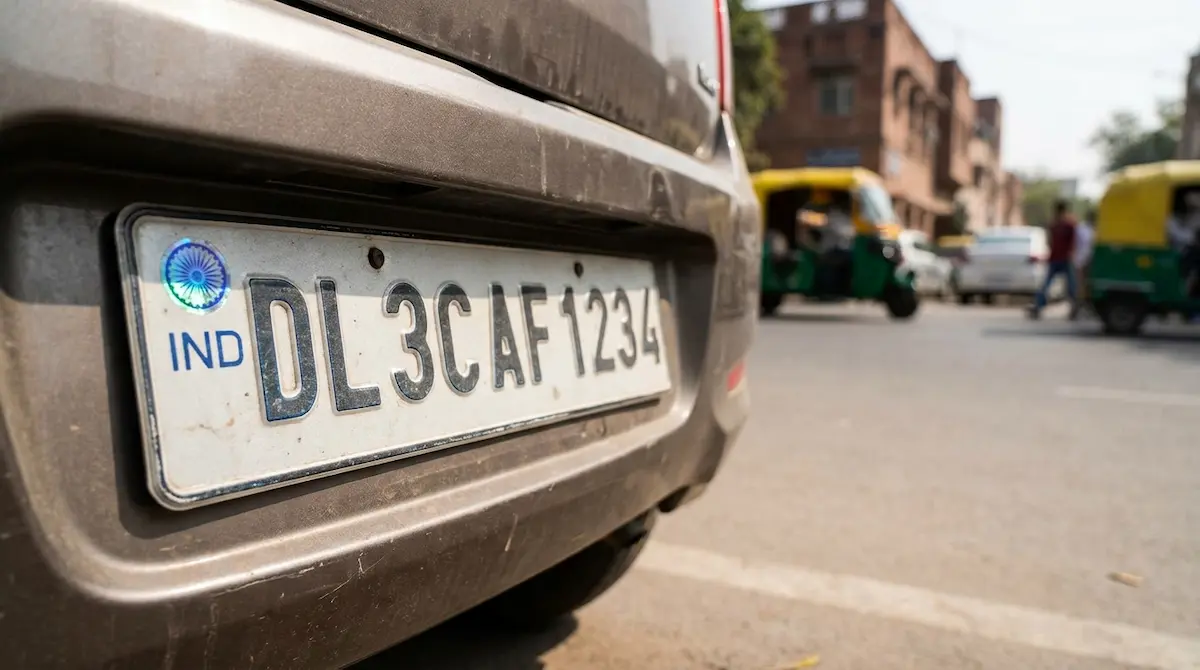
An eChallan is a digitally generated traffic violation notice linked directly to your vehicle registration number or driving licence (DL) in the VAHAN national database. It is issued either by a traffic enforcement officer using a handheld device on the spot, or automatically by ANPR cameras, red-light cameras, and speed detection systems installed across major roads and highways.
Once issued, the challan details are uploaded to the central eChallan portal and you typically receive an SMS notification on the mobile number registered with your vehicle’s RC. If your mobile number is not updated in VAHAN, the challan still exists — you just won’t know about it until a traffic check or an RC-related service flags it.
This is why periodically checking for pending challans matters, especially before selling a vehicle, renewing your RC, or applying for a PUC certificate.
How to Check Your Pending eChallan
Before paying anything, verify the challan first.
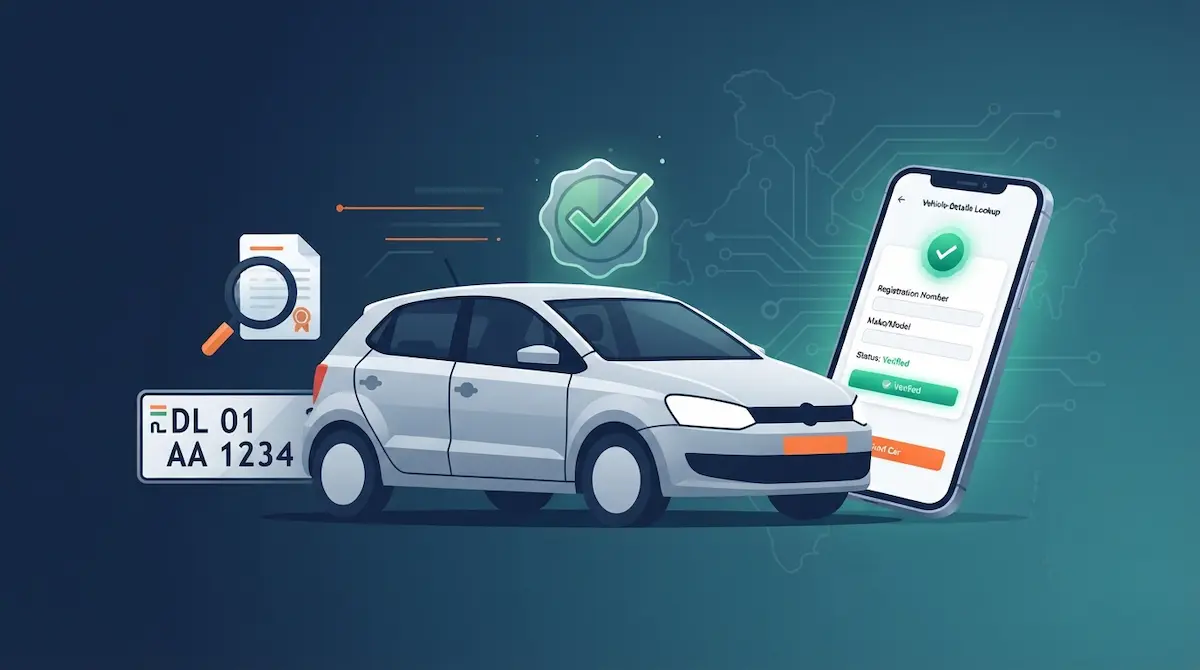
- Open your browser and go to echallan.parivahan.gov.in
- Click “Get Challan Details” on the homepage
- Choose your search method — Vehicle Number, DL Number, or Challan Number
- Enter the relevant detail, complete the captcha, and click “Get Detail”
The portal will display all challans linked to your input — violation type, date, location, issuing authority, fine amount, and payment status (pending or paid).
If the challan shows details that do not match your actual situation — wrong vehicle number, incorrect violation, or a date when the vehicle was not in use — do not pay immediately. Payment is treated as an admission of the offence. Instead, use the portal’s grievance section to file a dispute with supporting evidence.
Step-by-Step: Pay eChallan Online in 2026
Once you have verified the challan is correct, the payment process is straightforward.
Step 1 — Access the Payment Section
On the same challan detail page, click “Pay Now” next to the pending challan. You will be redirected to a secure government payment gateway.
Step 2 — Select Your Payment Method
The portal accepts:
- UPI (GPay, PhonePe, Paytm, and other UPI apps)
- Debit card / Credit card
- Net banking
Step 3 — Complete OTP Verification
An OTP will be sent to your registered mobile number for identity verification before the transaction is processed.
Step 4 — Confirm Payment
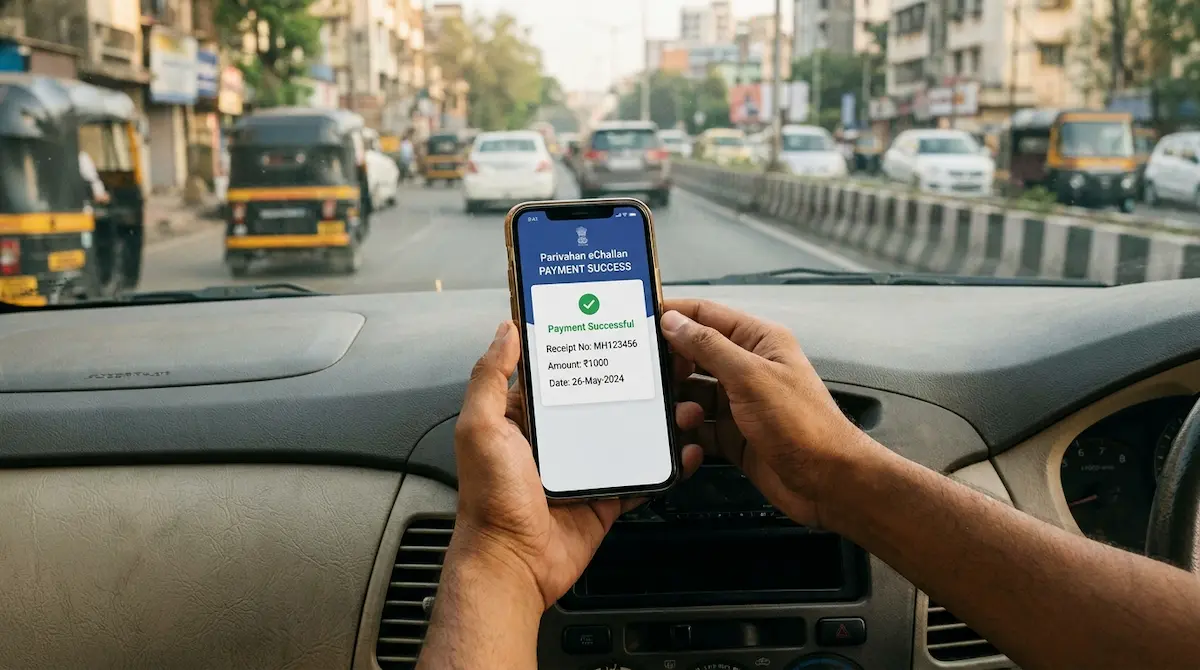
Enter payment credentials, confirm the transaction, and wait for the success screen. You will receive an SMS acknowledgement on your registered number.
Step 5 — Download the Receipt Immediately
Do not skip this step. Download or screenshot your payment receipt with the transaction ID right away. The Parivahan system can take 24 to 48 hours to update the challan status from “pending” to “paid.” Your receipt is the only immediate proof of settlement during that window. Store it with your vehicle documents.
Paying via the mParivahan App
The official mParivahan app (available on Android and iOS) also allows eChallan payment directly through the app interface. It connects to the same central database as the web portal, so payment made through the app reflects on echallan.parivahan.gov.in as well.
For users who prefer not to use a browser, the app is a reliable alternative — particularly because it also stores your digital RC and DL, which are legally valid documents during traffic checks under the Motor Vehicles Act, 1988.
State-Specific Portals That Also Work
While the central Parivahan portal covers all states, some states maintain their own dedicated eChallan platforms with additional features:
- Delhi: echallan.parivahan.gov.in → select “Check Delhi Traffic Challan” for Delhi-specific notices and the Tatpar App for mobile payments
- Maharashtra: mahatrafficechallan.gov.in — managed by the Additional Director General of Police (Traffic)
- Karnataka: Karnataka One portal (karnatakaone.gov.in) → Online Services → Police → Pay Traffic Violation Fine
All of these connect to the same VAHAN enforcement database, so payment on any of them clears the challan centrally.
What Happens If You Do Not Pay Within 60 Days
This is where ignoring an eChallan gets expensive and complicated.
The online payment window on echallan.parivahan.gov.in remains open for approximately 60 days after the challan is issued. After that, unpaid challans are typically escalated to a Virtual Court — the digital adjudication system run by the eCourts project under the Supreme Court of India at vcourts.gov.in.
Once a challan enters the Virtual Court system:
- Online payment through the Parivahan portal may be disabled
- The fine amount can be revised upward by the presiding magistrate
- You may receive a digital summons with a court date
- Continued non-payment can result in your DL or RC being flagged in VAHAN, blocking services like insurance renewal, PUC certificate issuance, and RC transfer
Under CMVR guidelines, accumulating five or more unpaid violations in a single calendar year can trigger an automatic review for driving licence cancellation by the transport department.
For challans that have already entered the Virtual Court, check vcourts.gov.in using your vehicle number or challan number. Payment made there settles the matter legally.
How to Contest a Wrong eChallan
If the challan was issued in error — camera misread, incorrect vehicle number, or a violation that did not occur — file a grievance:
- Visit echallan.parivahan.gov.in/gsticket
- Log in using your vehicle number or challan number with OTP verification
- Select the disputed challan and state the specific reason — wrong vehicle number, incorrect offence, etc.
- Upload supporting evidence (GPS data, dashcam footage, parking receipts, or proof of being elsewhere at the time)
- Note your complaint/ticket number and track resolution under the “Ticket Status” tab
Authorities are required to review and respond within 15 working days. If the dispute is valid and proven, the challan is withdrawn or cancelled without requiring payment.
Read also HSRP Plate Fine: Why Your Old Car Is Still at Risk
A Note on Fake Payment Links
Fraudulent websites and SMS links that mimic echallan.parivahan.gov.in are a growing problem in 2026. Scammers send messages that look official and redirect to payment pages designed to steal card or UPI credentials.
Always type the URL directly into your browser. Never follow payment links received via WhatsApp or unknown SMS senders. The official portal’s domain is strictly echallan.parivahan.gov.in — check the URL carefully before entering any details or completing any transaction.
Quick Reference
| Action | Where to Go |
|---|---|
| Check challan status | echallan.parivahan.gov.in |
| Pay pending challan online | echallan.parivahan.gov.in → Pay Now |
| Pay via app | mParivahan (Android / iOS) |
| Check Virtual Court status | vcourts.gov.in |
| File grievance / dispute | echallan.parivahan.gov.in/gsticket |
| Maharashtra challans | mahatrafficechallan.gov.in |
Pay within the 60-day window, download your receipt, and update your mobile number in VAHAN if it is not already linked — that single update ensures you receive notifications for any future challan the moment it is issued.