RC Blacklist Check: Must-Do Before Buying a Used Car
A blacklisted RC gives no warning. The car looks clean, the paperwork seems in order, and the flag only surfaces weeks later — when your ownership transfer bounces at the RTO. By then the money is gone and the vehicle is legally frozen. A two-minute check on the VAHAN portal is all it takes to avoid that.
What a blacklisted RC means
A blacklist flag is an administrative lock placed on a specific registration number by the RTO, traffic police, a court, or a finance company. It does not automatically mean the car is stolen, though it can. What it guarantees is that the vehicle is blocked from every routine transaction a genuine owner would need. Until the flag is cleared, the Registration Certificate cannot be transferred, road tax cannot be paid, an NOC cannot be issued, and the fitness certificate cannot be renewed. The flag is lifted only by the authority that imposed it.
Why vehicles get blacklisted
- Unpaid challans that have piled up over months
- End-of-Life Vehicle (ELV) status — 15-year-old petrol or 10-year-old diesel vehicles in restricted regions like Delhi-NCR
- A theft report, court order, or pending criminal case
- Serious tax, permit, or fitness violations
- A bank flag raised for loan default or repossession
How to check RC blacklist status on VAHAN
Method 1 — Parivahan website
- Open vahan.parivahan.gov.in in any browser.
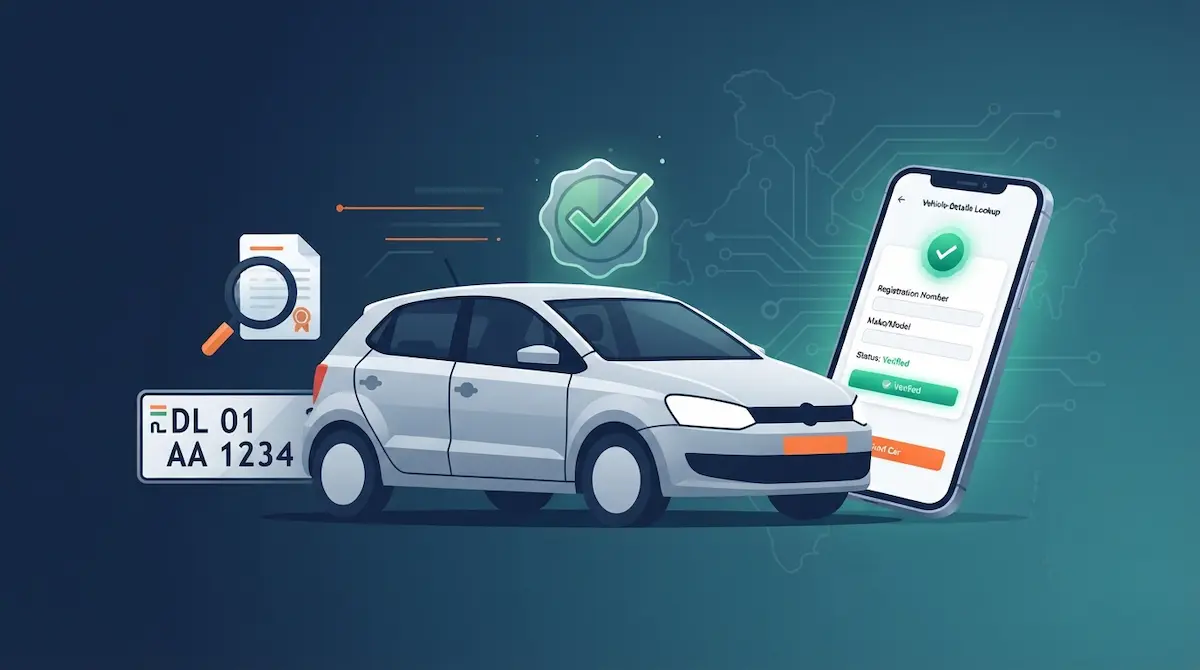
- Under Informational Services, select Know Your Vehicle Details (register once with a free mobile OTP for the full record).
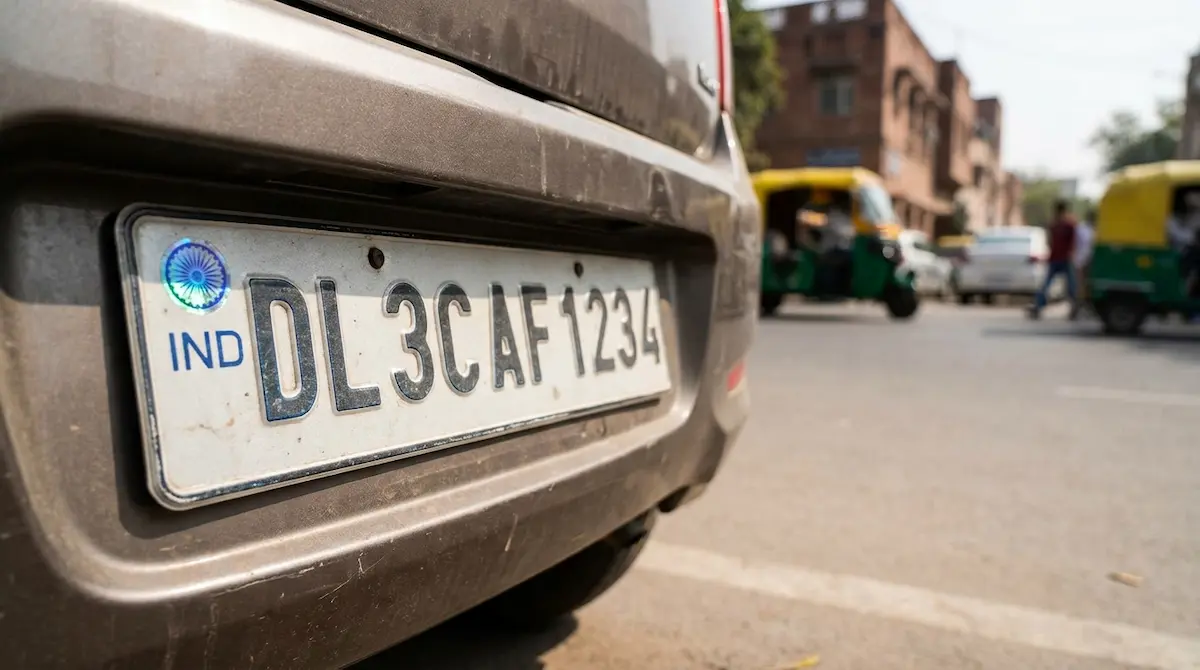
- Enter the registration number exactly as printed on the RC — for example, MH12AB1234 — followed by the last five characters of the chassis number.
- Complete the captcha and search.
- Read the status row. Active is clean. Treat Blacklisted, Suspended, or Blocked by Enforcement as a stop sign.
Method 2 — mParivahan app
The free mParivahan app (Android and iOS) runs on the same VAHAN database and scans the QR code printed on newer RCs. A scan returns live registration and blacklist data in seconds. It also authenticates the document itself — a fake RC printed on look-alike paper will not carry a valid scannable QR.
Method 3 — SMS
Text VAHAN <registration number> to 7738299899 for a quick status snapshot. Standard SMS rates apply.
What else to verify before you pay
The blacklist field is one signal among several. Confirm these too:
- Hypothecation — if the RC shows a bank lien, the car cannot be transferred until the loan is closed and the bank issues an NOC.
- Insurance validity — avoid a vehicle whose cover has lapsed beyond 90 days, since the accumulated No Claim Bonus is lost after that.
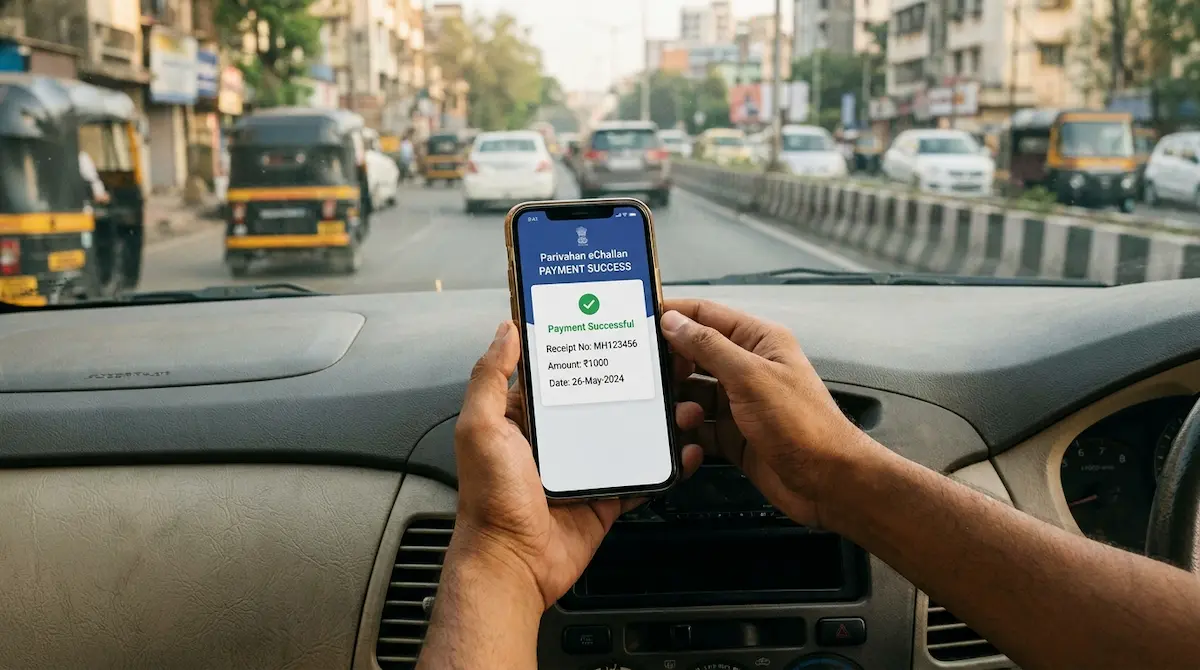
- Pending challans — settle them before purchase, because liabilities move to you the moment the RC is transferred.
- Chassis and engine numbers — match the VAHAN record against the physical vehicle to rule out tampering.
If the RC is already blacklisted
Walk away, or make clearance the seller’s responsibility in writing before any payment. Once you have paid, unwinding a bad deal means a complaint under the Consumer Protection Act 2019 or a cheating case — both slow, both evidence-heavy, and neither able to lift the VAHAN flag. Only the department that raised it can remove it.
Also Read: HSRP Plate Fine: Why Your Old Car Is Still at Risk
The bottom line
Checking RC status costs nothing and takes two minutes. Skipping it can cost you the entire purchase price and leave you with a car you can neither drive legally nor sell. Run the VAHAN check, match the chassis number, and confirm a clear title before any money changes hands.